Skip to content
YinYang
indicatorActiveOpen Source

AI Momentum

Blend regression-style projections and moving-average context into an adaptive momentum view.

AlertsSource updated 2023-09-26Reviewed 2026-07-19
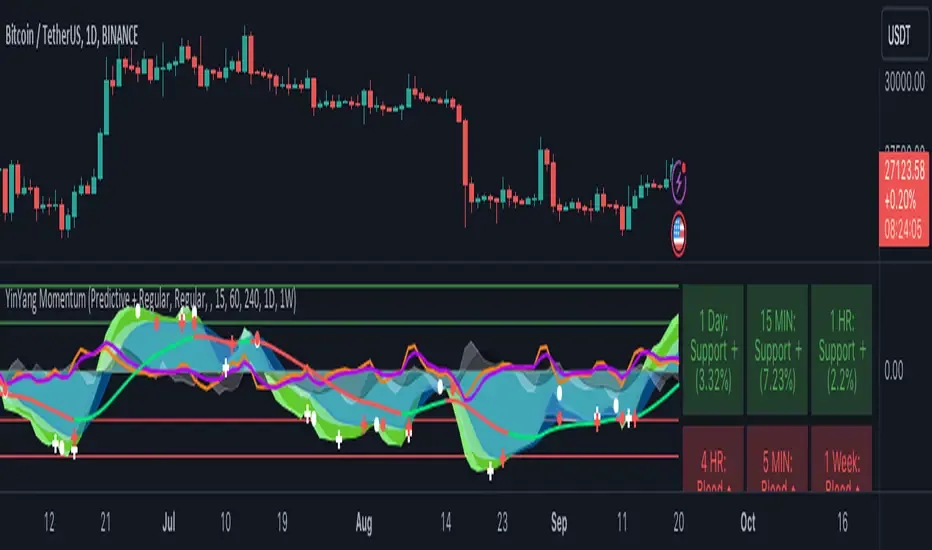
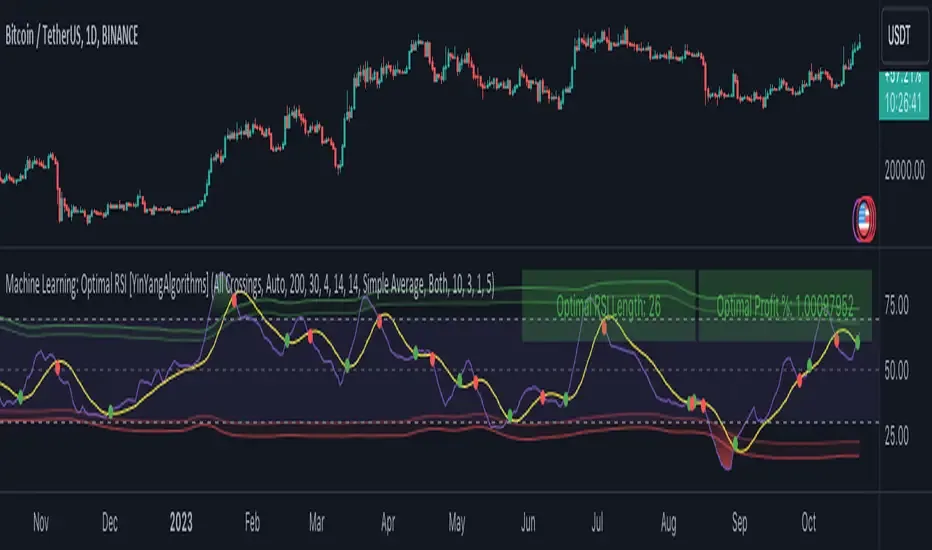
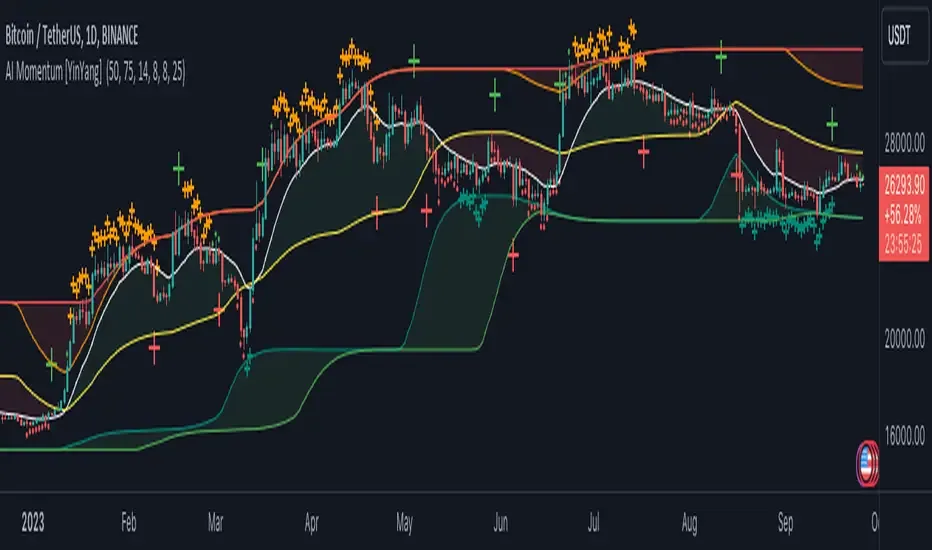
AI Momentum publication chart on TradingView

Overview

Blend regression-style projections and moving-average context into an adaptive momentum view.

The publication combines projected price series with smoothing and trend comparison to visualize potential momentum direction. It is an open-source analytical indicator and does not make a guaranteed forecast.

Key capabilities

  • Projected price series
  • Adaptive momentum state
  • Moving-average comparison
  • Trend-direction context
  • Open-source Pine code

Configuration

Start with the documented controls

  • Choose projection and smoothing lengths.
  • Compare fast and slow output behaviour.
  • Confirm projected direction with price structure.

Tutorial

Learn the workflow in context

Step 1

How it works

The publication combines projected price series with smoothing and trend comparison to visualize potential momentum direction. It is an open-source analytical indicator and does not make a guaranteed forecast.

  • Projected price series
  • Adaptive momentum state
  • Moving-average comparison
  • Trend-direction context
  • Open-source Pine code

Step 2

Set up the script

Open the original publication, choose Use on TradingView, then add the script to the intended symbol and timeframe. Review each input before relying on the display; defaults are a starting point, not a universal recommendation.

  • Choose projection and smoothing lengths.
  • Compare fast and slow output behaviour.
  • Confirm projected direction with price structure.

Step 3

Create an alert

All current YinYang publications support TradingView alerts. Select a condition exposed by the script, confirm the symbol and timeframe, and test notifications before relying on them. This Alerts label does not by itself mean a webhook execution workflow has been verified.

Risk and results context

Signals, projections, and strategy outputs are analytical tools—not financial advice or guarantees of future results. Trading involves substantial risk.

This guide is a rewritten YinYang overview. For the author’s complete source description and release notes, view the original publication.

Related scripts

Continue exploring the library

Ultimate

Use the complete TradingView library

Ultimate combines the web analytics platform with all six featured invite-only TradingView tools.

TradingView® is a trademark of TradingView, Inc. YinYang Algorithms is not affiliated with or endorsed by TradingView. A separate TradingView account is required; paid TradingView plans are not included.