
Step 1
Read the index and state
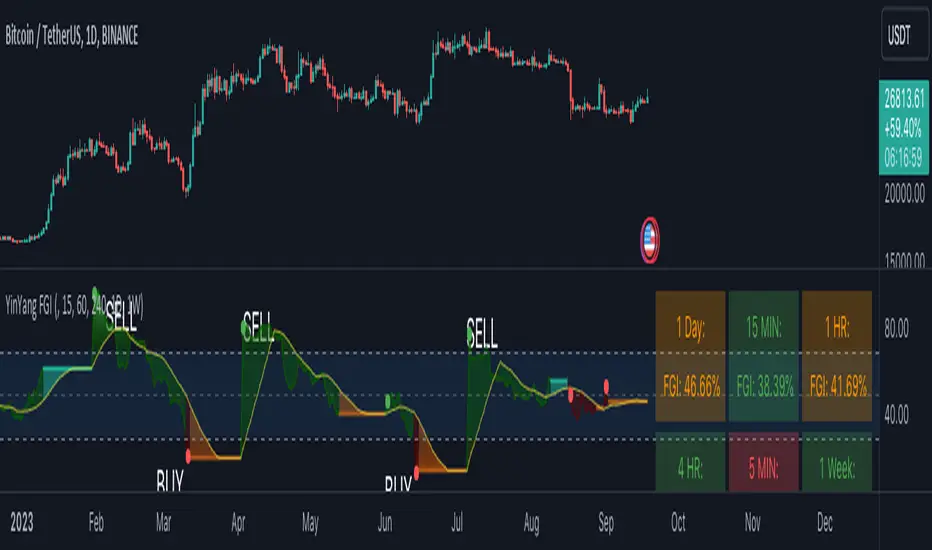
The oscillator resembles an RSI but measures its own sentiment logic. Readings under 30 and over 70 provide fear/greed context, while state colour communicates whether the script sees high or slight fear/greed.
See when sentiment may be approaching fear or greed extremes across multiple timeframes.
Overview
The YinYang Fear and Greed Index is a sentiment oscillator with fear/greed states, threshold context, reversal markers, and multi-timeframe information tables.
Configuration
Tutorial
Step 1
The oscillator resembles an RSI but measures its own sentiment logic. Readings under 30 and over 70 provide fear/greed context, while state colour communicates whether the script sees high or slight fear/greed.
Step 2
A fear or greed marker can identify a possible momentum swing, including occasional counterintuitive ‘oddball’ readings. Treat it as context and confirm with market structure, timeframe, and risk controls.
Step 3
Use the information table to monitor six timeframes without repeatedly changing the chart. A lower-timeframe entry can be evaluated against higher-timeframe sentiment state.
Video tutorial
Signals, projections, and strategy outputs are analytical tools—not financial advice or guarantees of future results. Trading involves substantial risk.
This guide is a rewritten YinYang overview. For the author’s complete source description and release notes, view the original publication.
Related scripts
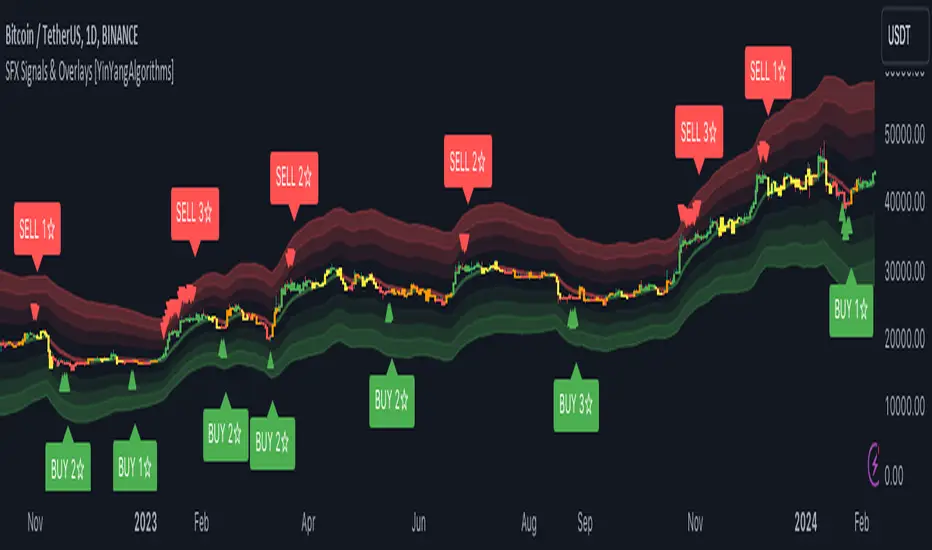
Signals, structure, momentum, and market zones in one configurable toolkit.
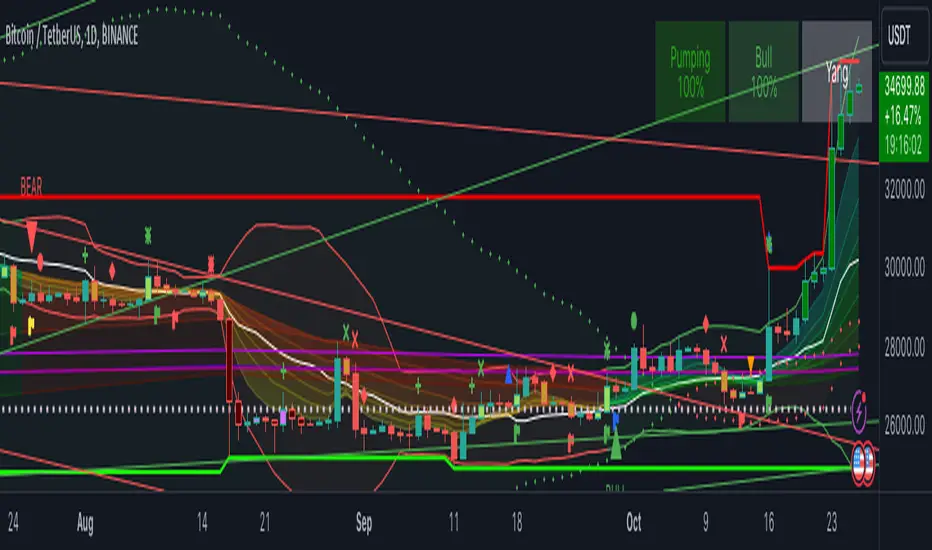
A multi-layer trend-analysis workspace built around confirmation.
Ultimate combines the web analytics platform with all six featured invite-only TradingView tools.
TradingView® is a trademark of TradingView, Inc. YinYang Algorithms is not affiliated with or endorsed by TradingView. A separate TradingView account is required; paid TradingView plans are not included.