
Step 1
Open Indicators
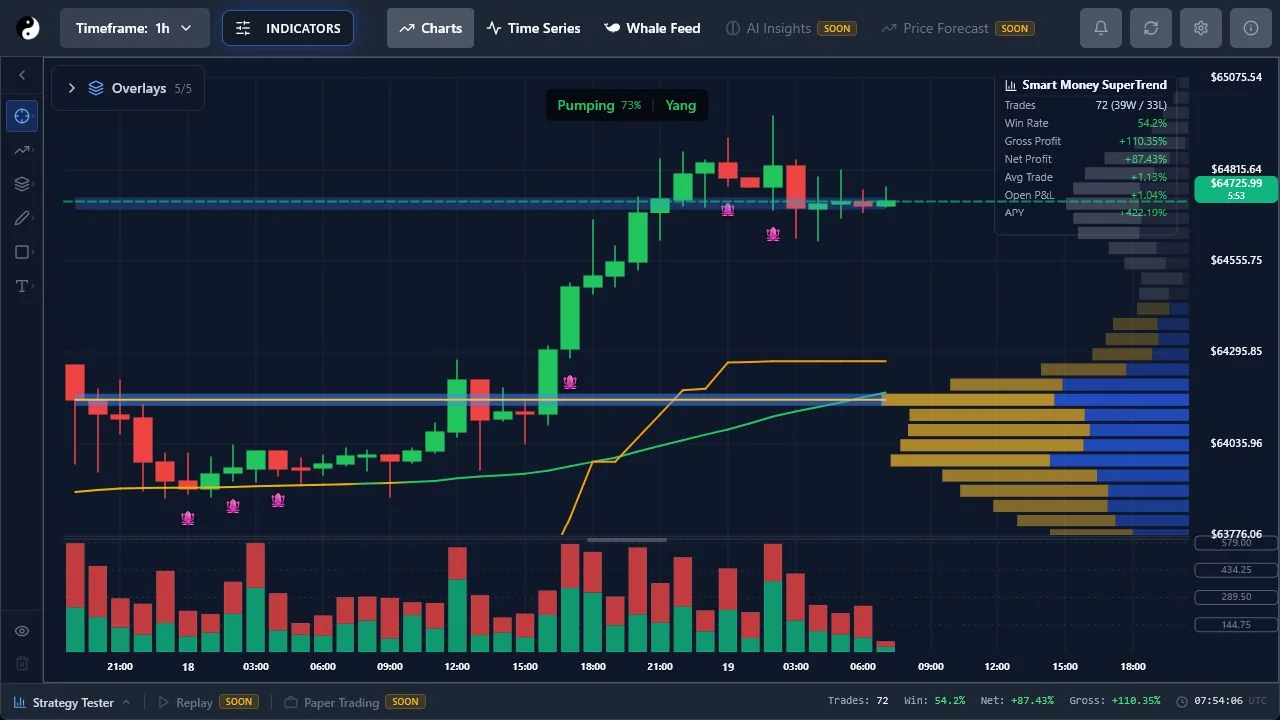
Use the Indicators control to browse implemented tools. Entitlement badges and upgrade prompts reflect server-backed access.
Add an implemented indicator, adjust settings, and use a preset without losing track of active overlays.
8 minute read · Intermediate · Updated 2026-07-16
Step 1
Use the Indicators control to browse implemented tools. Entitlement badges and upgrade prompts reflect server-backed access.
Step 2
Turn on only the layers needed for the current question. Too many overlays can obscure the price structure they are meant to explain.
Step 3
Presets coordinate supported settings. Review the change before replacing a carefully configured workspace, and confirm the enabled/visible state after switching timeframes.