
Step 1
Open Profile
Your profile shows effective access, paid plan data when present, billing interval, and subscription status.
Review the current plan, open the Stripe Customer Portal, and understand cancellation timing.
5 minute read · Beginner · Updated 2026-07-16
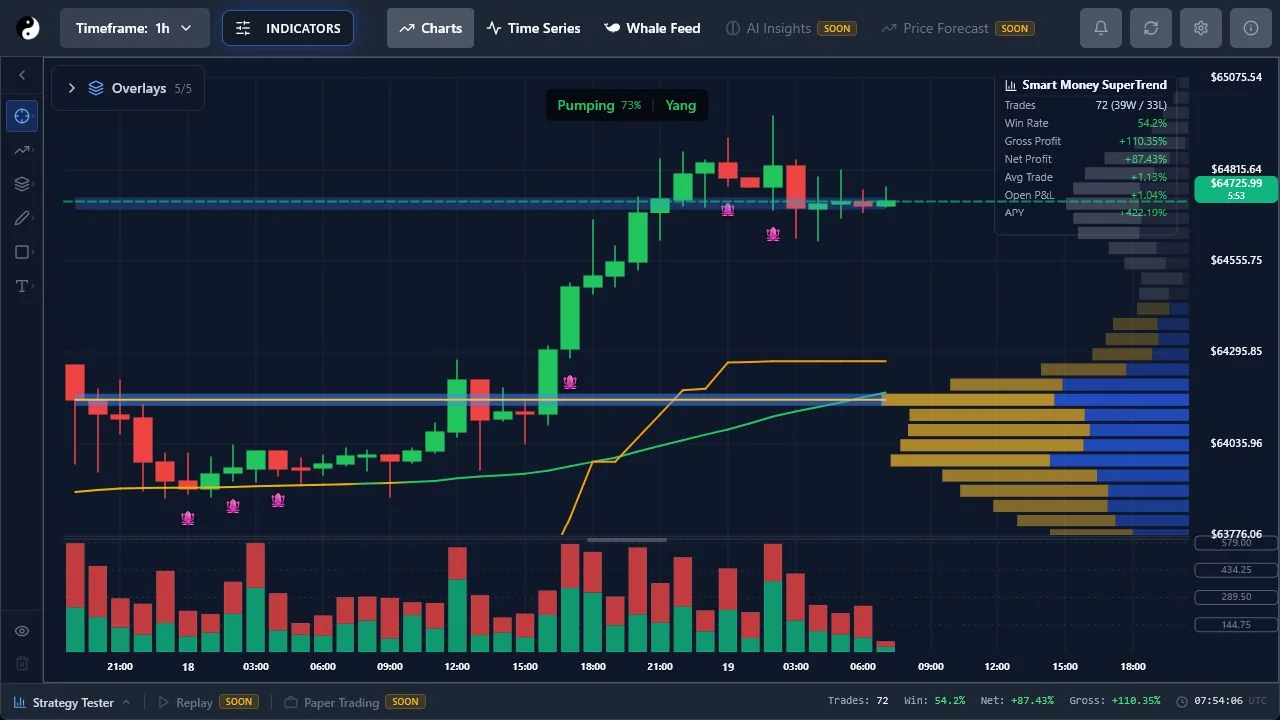
Step 1
Your profile shows effective access, paid plan data when present, billing interval, and subscription status.
Step 2
Eligible Stripe subscriptions expose a Manage Billing action. Stripe handles payment methods and cancellation according to the active subscription.
Step 3
Cancellation at period end does not normally remove access immediately. Use the displayed renewal or cancellation date as the account-specific source.