
Step 1
Open the workspace
Choose Open Chart from the header. Guest preview and signed-in access are determined by the current platform rules; creating an account does not create a subscription.
Open the live BTC workspace, understand the main navigation, and move between chart, data, and whale views.
6 minute read · Beginner · Updated 2026-07-16
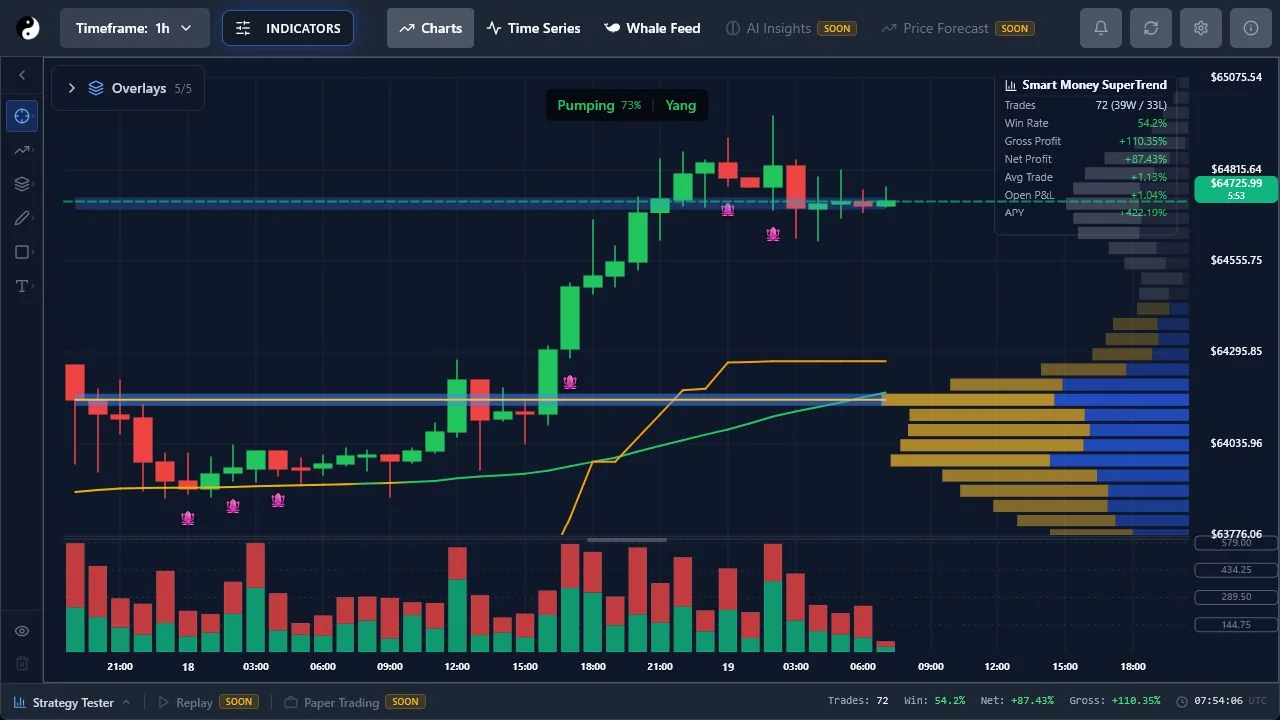
Step 1
Choose Open Chart from the header. Guest preview and signed-in access are determined by the current platform rules; creating an account does not create a subscription.
Step 2
Charts is the primary price workspace. Time Series exposes candle and participation data. Whale Feed is available according to account and plan access.
Step 3
BETA and SOON labels communicate availability. AI Insights, Price Forecast, replay, and paper trading are not active merely because their navigation concepts are visible.