
Step 1
Select a candle
Choose a completed candle on the chart, then open Candle Insights from the implemented detail interaction.
Inspect the implemented detail for a selected candle and connect it to surrounding price and participation context.
6 minute read · Beginner · Updated 2026-07-19
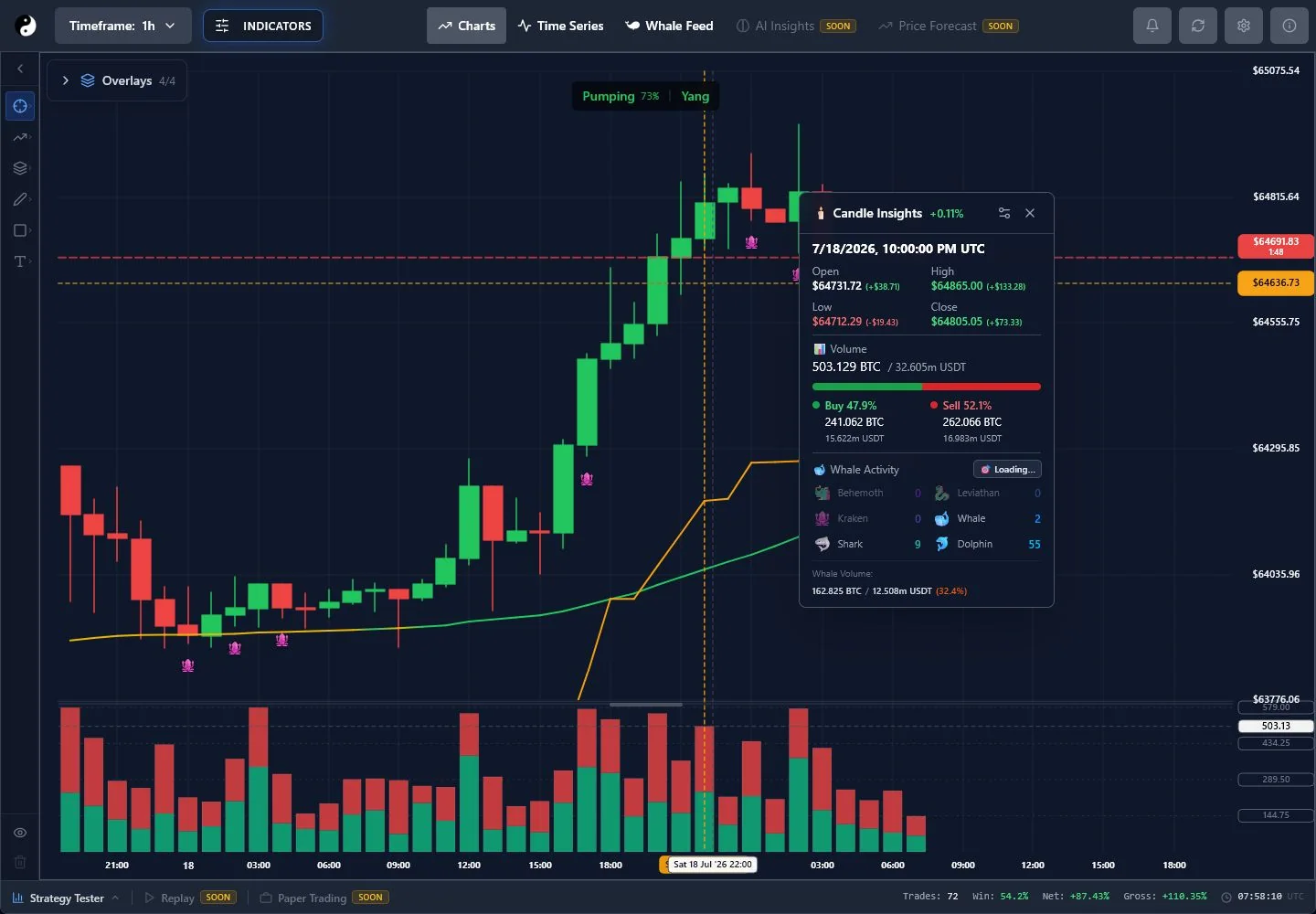
Step 1
Choose a completed candle on the chart, then open Candle Insights from the implemented detail interaction.
Step 2
Use price range, body, volume, participation, and whale context where available. The panel explains a candle; it does not create a guaranteed signal.
Step 3
Compare the selected candle with adjacent structure and the active timeframe before acting on an isolated observation.